
Bonaire Navigator Thermostat UI Design
Discover how we designed a modern, user-friendly thermostat UI for Bonaire Navigator, tailored for multi-unit HVAC systems with advanced features and energy efficiency
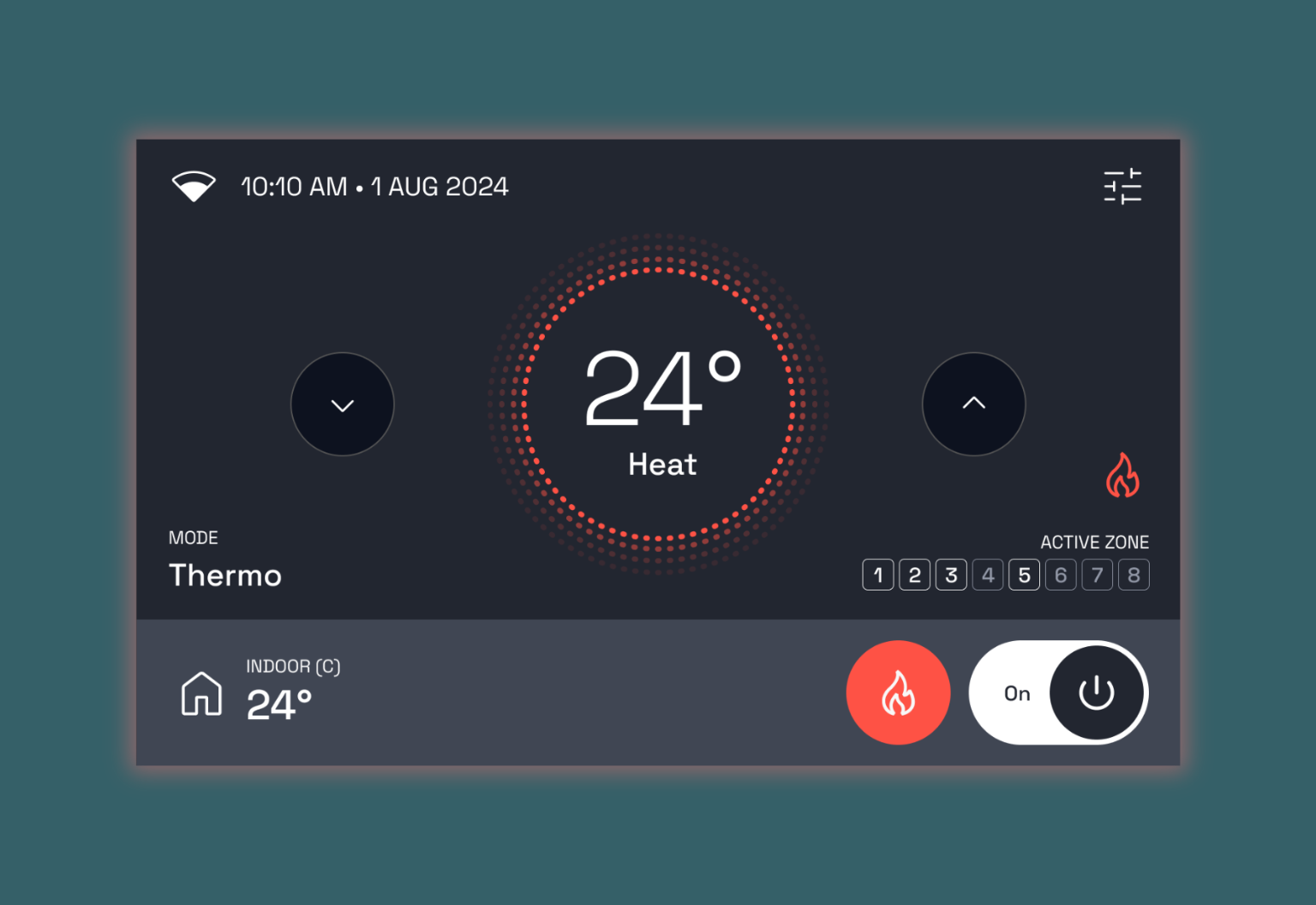
The project at a glance
Discover how we designed a modern, user-friendly thermostat UI for Bonaire Navigator, tailored for multi-unit HVAC systems with advanced features and energy efficiency
Your website is often the first conversation with a customer. We design and build fast, accessible sites, from conversion-focused landing pages to full eCommerce stores, with technical SEO built in from the first line.
Overview:
Bonaire, a part of Climate Technologies, is a leading name in the HVAC industry, providing cutting-edge climate control solutions. For their new thermostat, the Bonaire Navigator, they sought a user-friendly and modern design tailored to a TFT display, enhancing user experience and operational efficiency.
The Challenge
Designing the UI for the Bonaire Navigator came with a unique set of challenges:
- Multi-Unit Compatibility The thermostat needed to support three distinct HVAC unit types—Heating Units (Thermo, Eco, Mid, Boost, Fan Only), Evaporative Cooling Units (Manual, Boost, Pump Only, Pad Cleaning, Vent, Exhaust), and Refrigerated Cooling Units with unique modes. Each unit required a differentiated yet cohesive UI structure to simplify the complexity for end users.
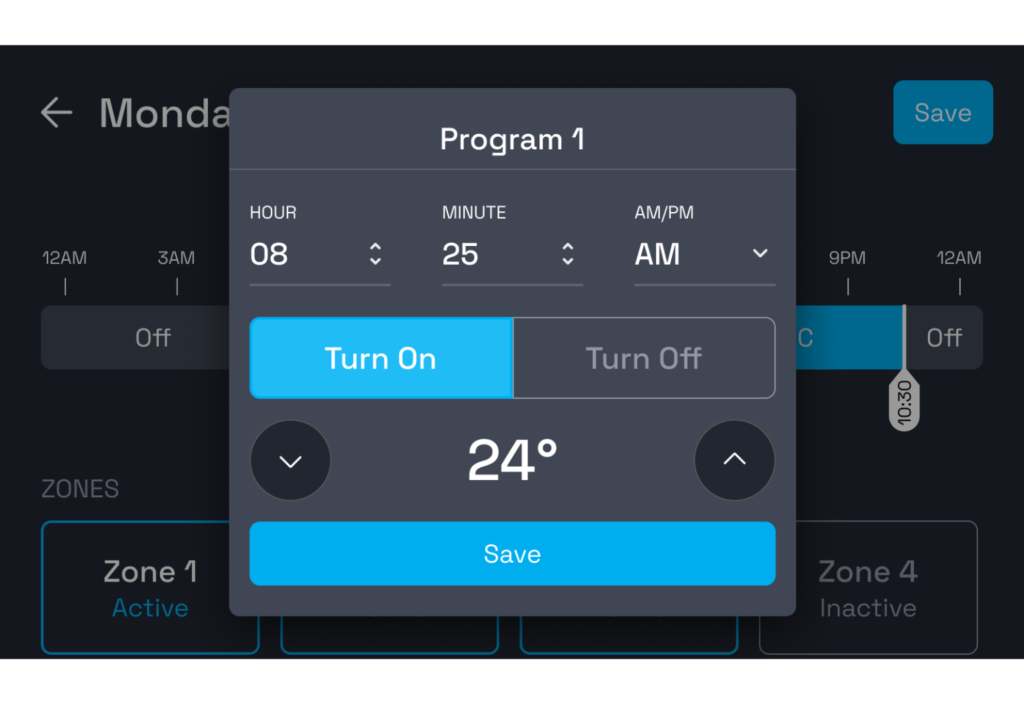
- Advanced Scheduling Beyond basic On/Off scheduling, the thermostat needed to handle mode changes, temperature adjustments, and other settings—all within an intuitive scheduling interface.
- Zone Management Incorporating independent settings for multiple zones, including: Temperature control for each zone. Ambient temperature monitoring. Enable/Disable functionality for specific zones.
- Dark UI with Energy Efficiency A visually appealing, always-on interface was required, balancing aesthetics with low energy consumption. The design also needed to minimise distractions while maintaining clarity and functionality.
The Solution
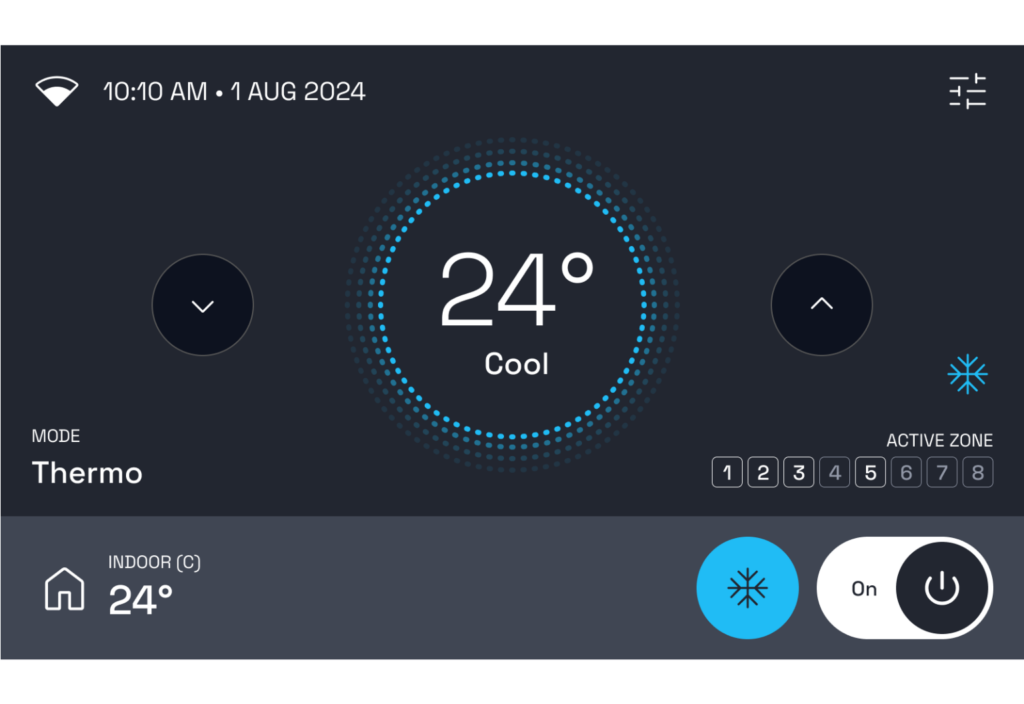
We meticulously worked on the User Experience (UX) to develop a dark, modern flat UI design for the Bonaire Navigator thermostat, addressing the challenges with innovative solutions:
- Intelligent Design for Multi-Unit Support Clear, colour-coded operational modes for Heating, Evaporative Cooling, and Refrigerated Cooling units. Simplified navigation through distinct operation modes tailored for each unit type.
- Dynamic Scheduling Interface A user-friendly scheduling module enabling adjustments to mode, temperature, and other settings with ease. Visual prompts to guide users through complex configurations.
- Zone-Specific Controls Separate temperature and ambient settings for each zone with clear enable/disable toggles. An intuitive layout ensuring quick access and control for users managing multiple zones.
- Aesthetics Meets Efficiency A dark background paired with vibrant accents of red and blue for key information, ensuring clarity and focus. Energy-efficient always-on display designed to minimise distractions while maintaining functionality.
Throughout the design process, we prioritised a seamless and intuitive user experience, ensuring the interface is both highly functional and aesthetically pleasing. Every interaction was designed to minimise complexity, making it easy for users to navigate and control their HVAC systems.
The Result
The new UI for the Bonaire Navigator thermostat seamlessly combines functionality, usability, and aesthetic appeal. Users can now enjoy:
- A hassle-free experience managing multiple unit types and zones.
- An intuitive scheduling system to optimise their HVAC settings.
- A sleek, modern design with energy efficiency at its core.
With the Bonaire Navigator, Climate Technologies continues to set the benchmark for smart HVAC solutions, enhancing the everyday comfort of its users.
Have a Similar Project in Mind?
If you’re looking to create an intuitive and user-friendly interface for your next product, we’d love to help. Contact us today to discuss your requirements and explore how we can design a solution tailored to your needs.
The solutions behind this project
Keep exploring
- Website
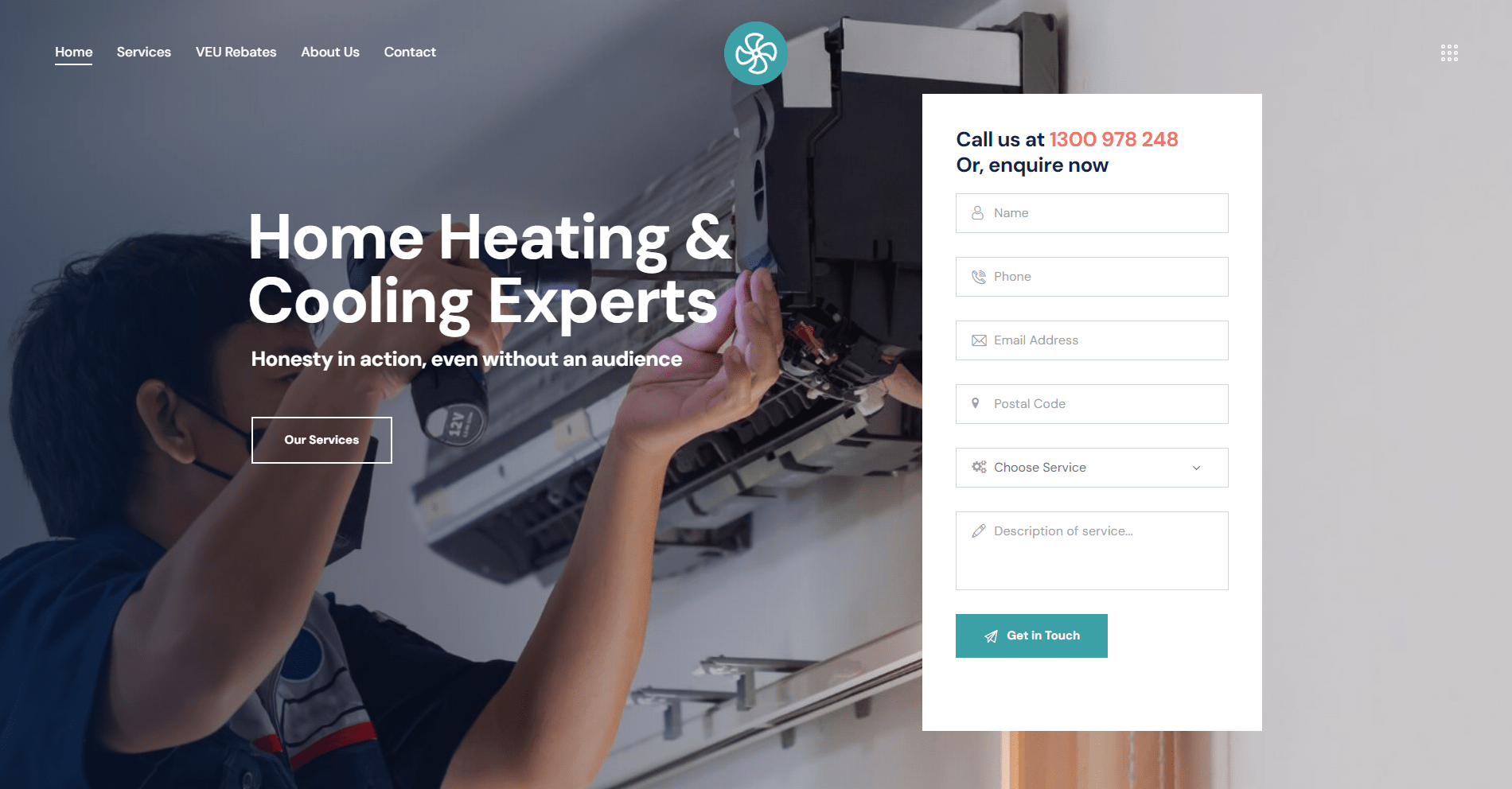
A-Temp Heating & Airconditioning – HVAC Website Development in Melbourne
Built a modern WordPress website for A-Temp Heating & Airconditioning to improve brand credibility, user experience, and lead conversion for HVAC services in Melbourne.
- WordPress
Accel Air WordPress Website
Development of a comprehensive website for Accel Air, an Australian company specialising in heating and cooling services.
- Website
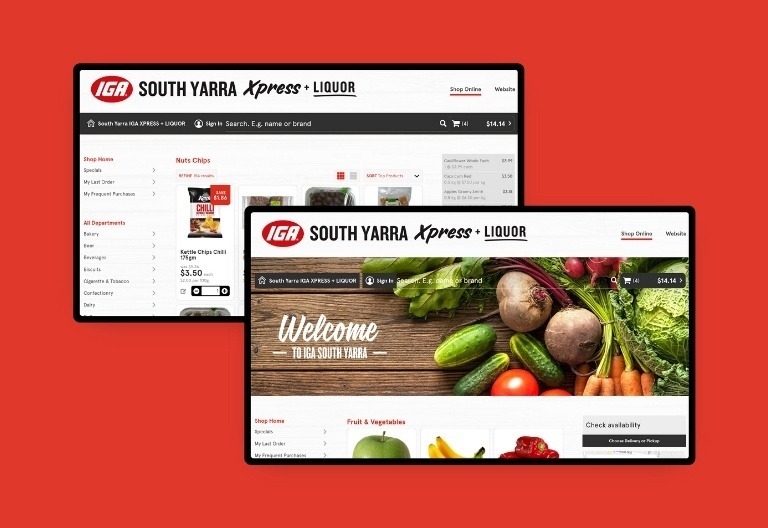
IGA South Yarra Express + Liquor Website
Maintaining and ensuring the smooth running of the website
Want results like these?
Tell us where you are and where you want to be. A consultant will come back with clear next steps, no jargon and no hard sell.
- Melbourne-based consultants
- Five-star reviews on Google
Book a consultation
Share a few details and we will be in touch.